E-COMMERCE DROPS
A flash sale waiting room for your checkout
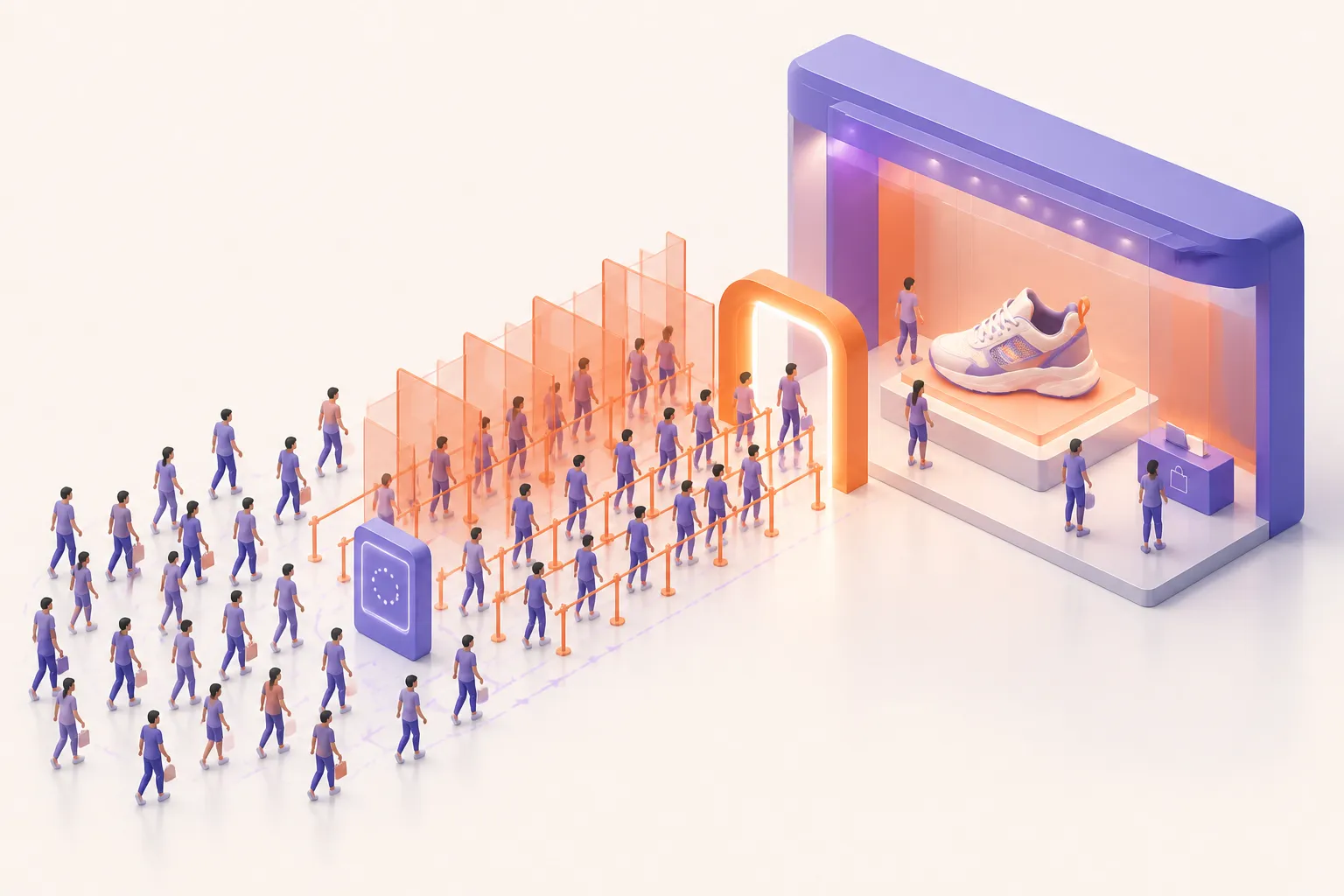
Flash sales concentrate demand on product and checkout pages. WaitSync gives shoppers a branded online queue and paces entry to your store. Your inventory and payment systems remain responsible for stock and transactions.
WITHOUT A QUEUE
Launch minute becomes downtime
- Every fan hits buy at 10:00:00 — the storefront buckles at 10:00:02.
- Bots and resellers clear stock before real customers see the page.
- A crashed drop trends for the wrong reason.
WITH WAITSYNC
Match admission to your checkout capacity
- Route overflow visitors to a branded waiting room using a reviewed browser or server integration.
- Buyers are admitted first-come, at the rate your store can serve.
- Verify signed admission passes at the trusted checkout. Browser redirection alone is not an authorization boundary.
Flash sale traffic flow and checkout protection
Limited-quantity drops can concentrate shoppers on cart and checkout routes. Choose an admission rate from rehearsals of your store and payment flow. WaitSync queues overflow visitors and releases them at the configured pace; your store remains responsible for inventory and payment correctness.
Pre-drop operational rehearsal checklist
- Measure maximum sustainable checkout transactions per minute during load rehearsals.
- Choose an admission rate below your measured sustainable checkout capacity, leaving headroom for payment latency.
- Verify that cryptographic admission passes are checked at the cart-to-checkout boundary.
- Ensure static assets, product images, and tracking pixels bypass the queueing layer.
- Establish an operator runbook for live admission adjustments if payment gateway responses slow down.
- Configure cart reservation timers so shoppers have a fair window to complete shipping and payment details before reserved items are returned to stock.
- If your plan and integration support webhooks, configure and test notifications for the operational events your team needs.
- Review caching rules for product images, stylesheets and fonts, and measure origin traffic during a rehearsal.
- Establish clear hold and recovery escalation paths with merchant operations leads for emergency queue throttling if payment processors degrade.
Frequently asked questions about flash sale queueing
How does a flash sale waiting room prevent inventory overselling?
A waiting room can reduce checkout contention by pacing incoming shoppers. Your store must still enforce stock checks, reservations and purchase limits. Admission does not reserve an item or guarantee that stock remains available.
Can bots bypass the waiting room by hitting the checkout API directly?
Protect each relevant checkout route with a supported server or edge integration that checks admission passes. Test direct requests and alternate routes before launch; a browser-only waiting page does not establish checkout protection.
What happens to shoppers already in the middle of completing payment?
An admission pass has a configured validity period. Review that window against your checkout flow and verify how each protected route handles an active or expired pass. Payment and cart reservations remain the store’s responsibility.
How quickly can admission rates be adjusted during an active drop?
Operators can adjust admission settings using the available dashboard controls. Rehearse the integration and confirm how changes reach your protected routes before relying on them during a live drop.
How does pre-queue randomized ordering protect product drops from automated bots?
When scheduled pre-queue randomization is configured, early arrivals receive positions under that ordering policy when the event opens. This can reduce the advantage of arriving just before launch; it does not eliminate automated abuse.
Can high-demand items be restricted to one purchase per admitted session?
Purchase limits must be enforced by your store. Review how your integration links admission to checkout, and test repeat orders and pass reuse. A queue pass alone does not enforce a one-purchase limit.
How does WaitSync prevent cart hoarding and inventory lockout during limited drops?
Admission pacing can reduce pressure on checkout, but cart reservation and expiry rules belong to your store. Set and test fair reservation windows, stock release and abandoned-cart handling before the drop.
Can VIP subscribers or early-access loyalty members bypass the general public queue?
On Growth and Enterprise plans, signed invite claims and VIP bypass tokens let named guests skip or enter an otherwise invite-only queue — verified cryptographically at admission. Your store must still verify loyalty eligibility and control access to restricted products; queue admission does not grant a product entitlement.
What operational fail-safe protects the store if an external payment gateway degrades?
Operators can reduce or pause new admissions using the available controls while investigating payment problems. Rehearse recovery and explain the delay to waiting shoppers. Existing payment attempts remain the store’s responsibility.
Ready for your next drop?
Review plan limits, then rehearse the shopper journey with your team. A demo can help you choose the integration boundary.